



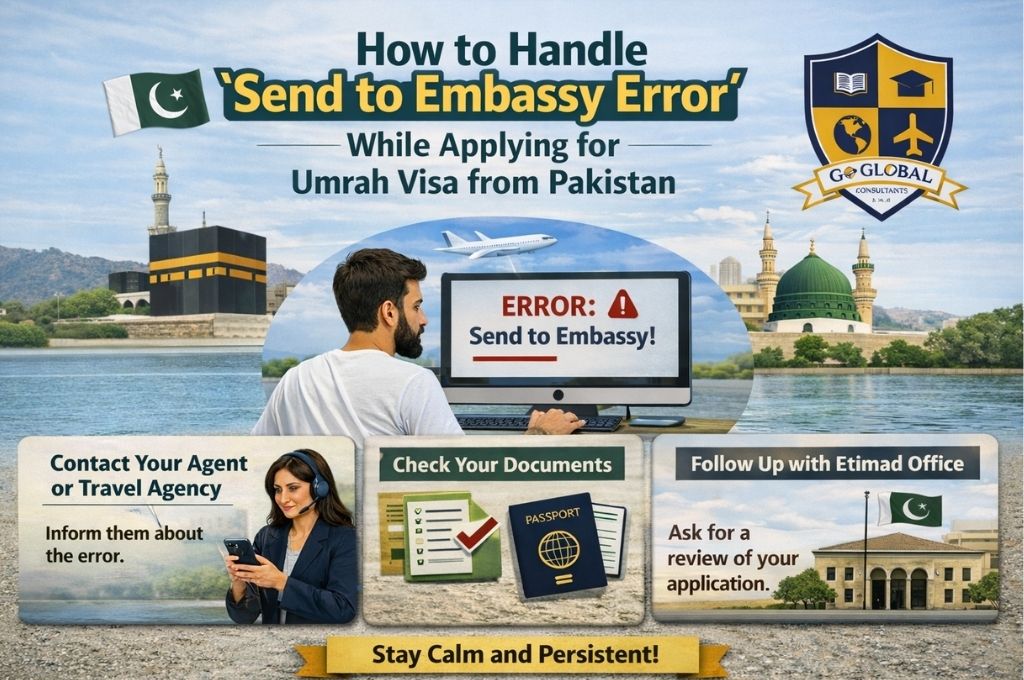
“Send to Embassy” - Umrah Visa
Pilgrims from Pakistan who are applying for Umrah visas sometimes face a common issue known as the “Send to Embassy” error. This error can delay the visa process and cause unnecessary stress for travelers. In this guide, we explain the main reasons for this error and provide a step-by-step solution to clear it efficiently.
What is the “Send to Embassy” Error?
The “Send to Embassy” error occurs when the Saudi visa system flags a pilgrim’s application for additional verification. This usually happens due to incomplete or incorrect information submitted during the visa application process. Until this error is resolved, the Umrah visa cannot be issued.
Main Reasons for the Error
Several factors can trigger this error:
- Incomplete or unclear scanned documents – Passport scans, photographs, or fingerprints may be unclear or missing.
- Incorrect personal information – Errors in name spelling, date of birth, or passport details.
- System technical issues – Temporary glitches in the Saudi visa portal or NUSK app.
- Verification requirements – Some applications are randomly selected for manual review by the embassy.
- Duplicate applications – Applying more than once with the same passport details.
Understanding these reasons can help you avoid delays in your Umrah visa application.
Steps to Clear the “Send to Embassy” Error
There are two main ways to resolve this issue: through the NUSK app or by visiting an Etimad Center. Both methods ensure your application reaches the Saudi Embassy for verification and clearance.
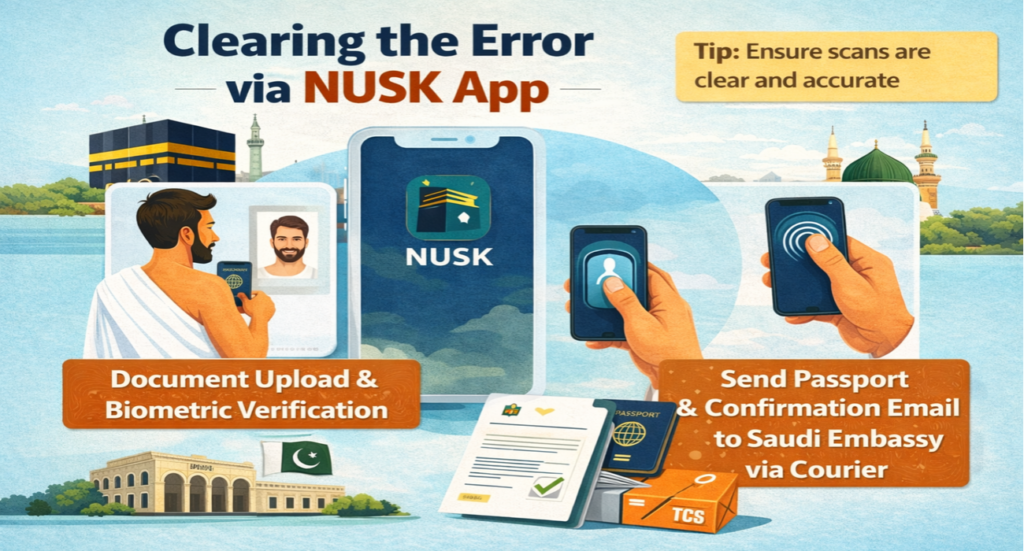
1. Clearing the Error via NUSK App
The NUSK app allows pilgrims to submit documents digitally and send their application directly to the embassy.
Step-by-step process:
Create an account on the NUSK app using your valid email ID.
Upload the required documents:
Scan your passport clearly.
Take a live photograph with a white background.
Scan your fingerprints using your mobile device.
After completing the submission, you will receive a confirmation email.
Print the confirmation email along with your original passport.
Send the printed confirmation email and original passport via courier (TCS, Leopards, or any similar service) to the Go Global agent in Islamabad, who will then submit the documents to the Saudi Embassy in Islamabad for further processing.
Pay any service charges if applicable.
Within 4–5 days, the embassy will verify your documents, clear the error, and return your passport to the given address via courier.
Tips: Make sure all scans are clear and accurate to avoid repeated errors.
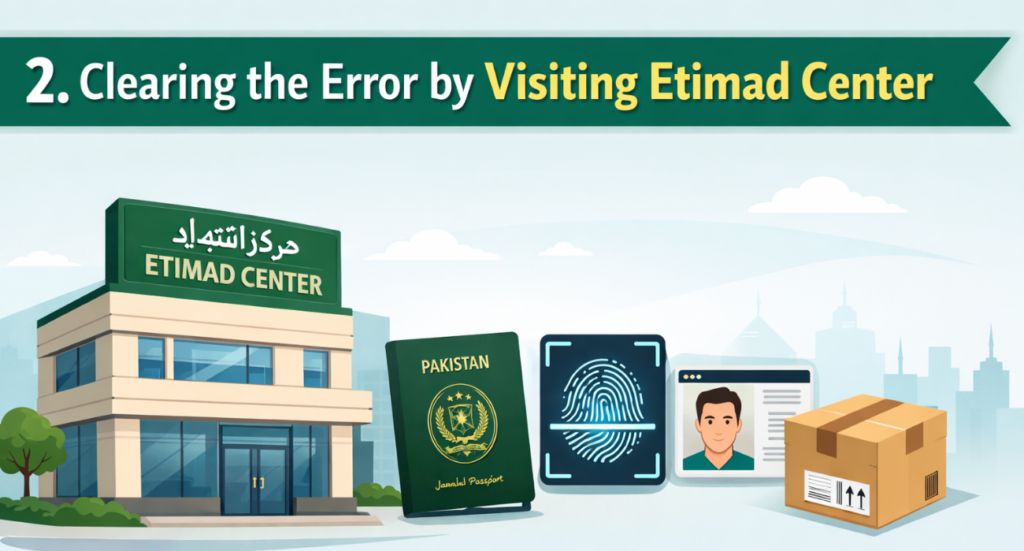
2. Clearing the Error by Visiting Etimad Center
Step-by-step process:
Visit the nearest Etimad Center with your original passport.
The center will handle the submission of your scanned passport, fingerprints, and other required details.
After completion, the Etimad Center will provide you with official slips/documents required for embassy submission.
Send the original passport along with the Etimad-issued slips/documents via courier (TCS, Leopards, or any similar service) to the Go Global agent in Islamabad, who will submit the documents to the Saudi Embassy in Islamabad for further processing.
Pay any courier or service charges, if applicable.
Within 4–5 working days, the Saudi Embassy will verify your documents, clear the “Send to Embassy” error, and return your passport to your provided address through courier.
The Etimad Center charges a service fee of PKR 2,500 (this fee may change depending on availability or policy updates).
Important Notes for Pilgrims
- Always double-check your passport details before submission.
- Ensure your photograph meets the Saudi visa standards (white background, no shadows).
- Keep a record of your courier tracking number for security and verification.
- Avoid multiple submissions with the same passport to prevent duplication errors.
Both NUSK app and Etimad Center methods are officially recognized by the Saudi Embassy.

How Go Global Supports You
Go Global provides complete guidance and professional support to pilgrims facing the “Send to Embassy” error during their Umrah visa process. Our team assists in reviewing documents, guiding pilgrims on the correct procedure through the NUSK app or Etimad Center, and ensuring all requirements are met according to the latest Saudi Embassy guidelines. By offering clear instructions and timely support, Go Global helps minimize delays and ensures a smooth, stress-free Umrah visa experience for pilgrims in Pakistan.
Conclusion
The “Send to Embassy” error can be frustrating, but it is easily resolvable by following the proper steps. Pilgrims can choose between the digital submission via NUSK app or physical assistance at Etimad Center. By following the steps outlined above and providing clear, accurate documents, your Umrah visa can be cleared quickly, ensuring a smooth journey to the holy cities of Makkah and Madinah.